Best Apps for Digital Planning in 2025: GoodNotes vs Notability vs Others
 By StickerCraft Team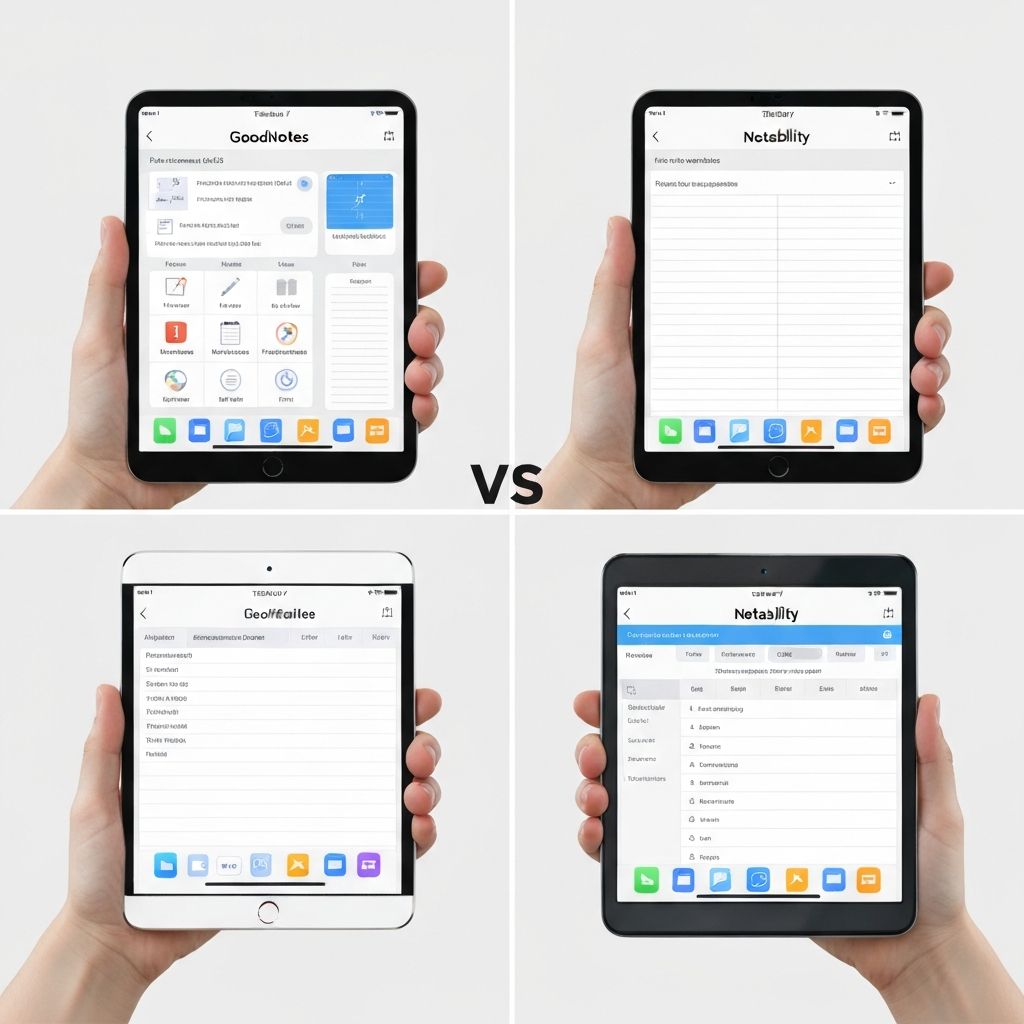
Finding Your Perfect Digital Planning App
The digital planning app you choose affects everything from sticker compatibility to export options. Let's compare the top contenders in 2025.
Quick Comparison Table
| Feature | GoodNotes | Notability | Noteshelf | CollaNote | |---------|-----------|------------|-----------|-----------| | Price | $8.99 | $14.99/yr | $9.99 | Free | | Sticker Support | Excellent | Good | Excellent | Good | | Platform | iOS/Mac | iOS/Mac | iOS | iOS | | Cloud Sync | Yes | Yes | Yes | Yes | | Audio Recording | No | Yes | No | No |
GoodNotes 5/6 - The Popular Choice
Best for: Sticker enthusiasts and visual planners
Pros
- Exceptional sticker management with Elements feature
- Beautiful handwriting experience
- Robust folder organization
- Shape recognition
- Excellent PDF annotation
Cons
- No audio recording
- macOS version less polished
- Learning curve for advanced features
Sticker Features
GoodNotes excels at stickers with its "Elements" feature:
- Create unlimited sticker collections
- One-tap sticker insertion
- Organize by category
- Pre-cropped PNG support
- Custom sticker sizing
Rating for stickers: 5/5
Notability - The All-Rounder
Best for: Students and meeting note-takers
Pros
- Audio recording synced to notes
- Smooth writing experience
- Simple interface
- Good PDF handling
- Subscription includes updates
Cons
- Moved to subscription model
- Limited sticker organization
- Fewer customization options
Sticker Features
Notability handles stickers but with limitations:
- Import images as stickers
- Basic organization in gallery
- Requires manual cropping
- No dedicated sticker book
Rating for stickers: 3/5
Noteshelf - The Customizer's Dream
Best for: Users who want extensive customization
Pros
- Beautiful paper templates
- Excellent pen customization
- Built-in sticker store
- Club membership for extras
- Audio recording available
Cons
- iOS only
- Can feel cluttered
- Smaller community
Sticker Features
Noteshelf has strong sticker support:
- Built-in sticker packs
- Custom sticker import
- Sticker library organization
- Pre-cropped support
Rating for stickers: 4/5
CollaNote - The Free Option
Best for: Budget-conscious beginners
Pros
- Completely free
- No ads or subscriptions
- Sticker book feature
- Real-time collaboration
- Good basic features
Cons
- Limited advanced features
- Newer app, less refined
- Smaller template library
Sticker Features
Surprisingly good for a free app:
- Dedicated sticker book
- Import custom stickers
- Category organization
- Community sticker sharing
Rating for stickers: 4/5
Our Recommendation
For sticker lovers: GoodNotes remains the best choice. Its Elements feature is specifically designed for managing large sticker collections.
For students: Notability's audio sync is invaluable for lectures.
For beginners: CollaNote offers excellent sticker features at no cost.
Tips for Any App
- Organize immediately - Create folders/categories as you import
- Use PNG format - Ensures transparent backgrounds work
- Pre-crop stickers - Faster insertion in all apps
- Regular backups - Sync to cloud services
- Explore communities - Reddit and Facebook groups share free stickers
Conclusion
Your ideal app depends on your priorities. For the best sticker experience, GoodNotes leads the pack, but don't overlook free options like CollaNote if you're just starting out.
StickerCraft Team
The StickerCraft team is passionate about digital journaling and helping creators bring their sticker ideas to life with AI technology.
Related Posts
Related: How to Create Custom Digital Stickers for GoodNotes in 2025 (Complete Guide) | 50 Digital Planner Sticker Ideas for Your Bullet Journal (2025 Inspiration) | Printable Stickers vs Digital Stickers: Which Should You Choose?