How AI Sticker Generators Work: The Technology Behind Custom Stickers
 By StickerCraft Team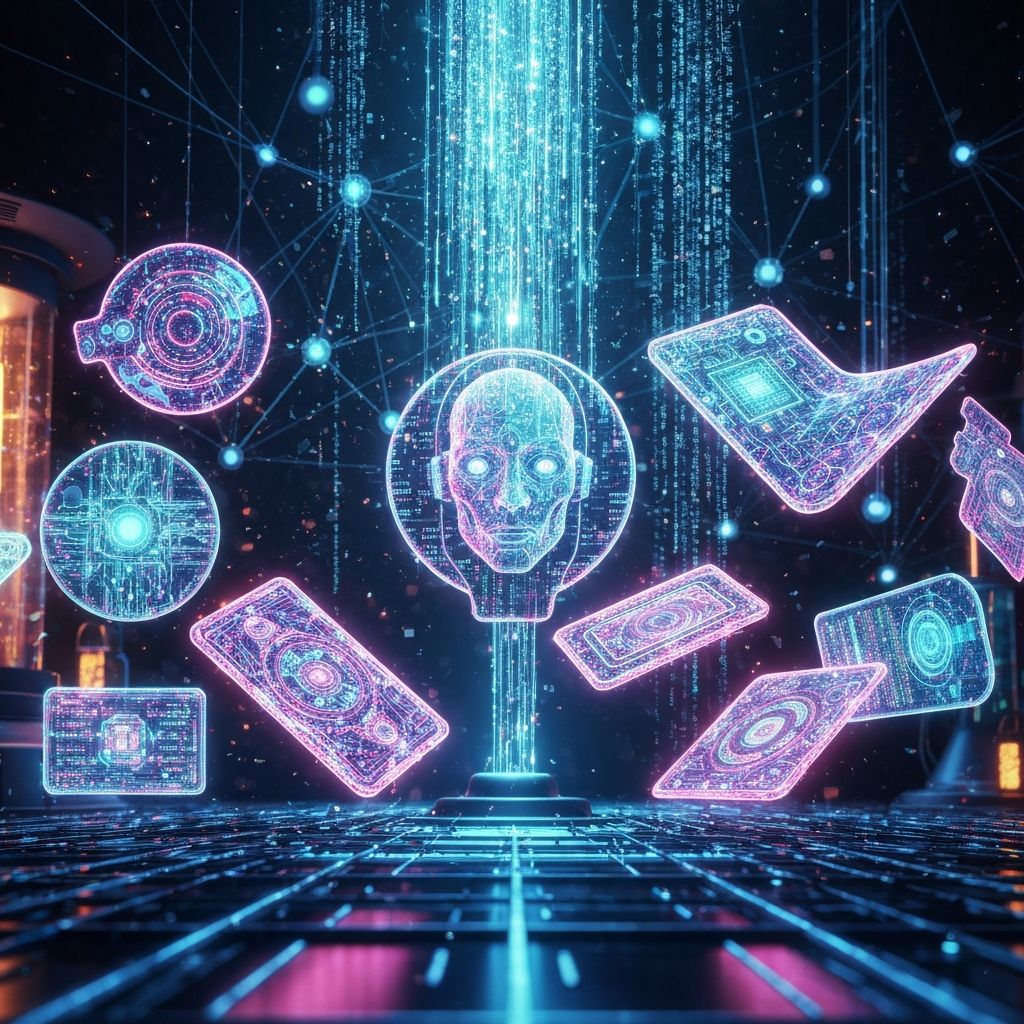
The Magic Behind AI Sticker Generation
AI sticker generators have revolutionized how we create custom digital artwork. But how does typing "cute cat with coffee" actually produce a sticker? Let's explore the technology.
Understanding AI Image Generation
Modern AI sticker generators use diffusion models - a type of artificial intelligence trained on millions of images to understand the relationship between text descriptions and visual elements.
The Process
- Text Analysis - AI breaks down your prompt into concepts
- Pattern Recognition - Matches concepts to visual patterns learned during training
- Image Synthesis - Gradually builds the image from noise to clarity
- Style Application - Applies the selected artistic style
- Refinement - Cleans edges and optimizes for sticker use
Why Prompts Matter
Your prompt is the instruction manual for the AI. Better prompts = better stickers.
Anatomy of a Great Prompt
Basic: "cat" Better: "cute cat" Best: "cute kawaii cat holding a coffee cup, pastel colors, simple design, sticker style"
Key Elements to Include
- Subject - What is the sticker of?
- Style - Kawaii, minimal, watercolor, etc.
- Colors - Specific palette or mood
- Mood/Expression - Happy, sleepy, excited
- Format hints - "sticker style", "simple design"
Tips for Better AI Stickers
Do's
- Be specific about the subject
- Mention the artistic style
- Specify color preferences
- Include mood or expression
- Keep it focused on one subject
Don'ts
- Don't write essay-length prompts
- Don't include conflicting styles
- Don't expect perfect text rendering
- Don't describe complex scenes
- Don't use negative language ("no background")
Common Challenges
Transparent Backgrounds
AI models often struggle with true transparency. Solutions:
- Use "white background" in prompt
- Choose tools that post-process for transparency
- Use background removal tools after generation
Text in Stickers
AI often produces garbled text. Better to:
- Generate sticker without text
- Add text manually in editing app
- Use text-focused AI tools separately
Consistency Across Sets
Creating matching stickers requires:
- Using the same style keywords
- Specifying the same color palette
- Generating in batches
- Minor editing for cohesion
The Future of AI Stickers
Emerging developments include:
- Better transparency - Native transparent background support
- Style learning - Upload examples for AI to match
- Animation - Animated sticker generation
- Batch coherence - Sets that automatically match
Ethical Considerations
When using AI-generated stickers:
- Respect copyright of original artists
- Don't claim AI art as hand-drawn
- Check commercial use rights
- Credit AI assistance when appropriate
Conclusion
AI sticker generators are powerful tools that democratize digital art creation. Understanding how they work helps you get better results and use them responsibly.
StickerCraft Team
The StickerCraft team is passionate about digital journaling and helping creators bring their sticker ideas to life with AI technology.
Related Posts
Related: How to Create Custom Digital Stickers for GoodNotes in 2025 (Complete Guide) | Custom Stickers: Complete Guide to Creating Personalized Digital Stickers