Custom Stickers: Complete Guide to Creating Personalized Digital Stickers
 By StickerCraft Team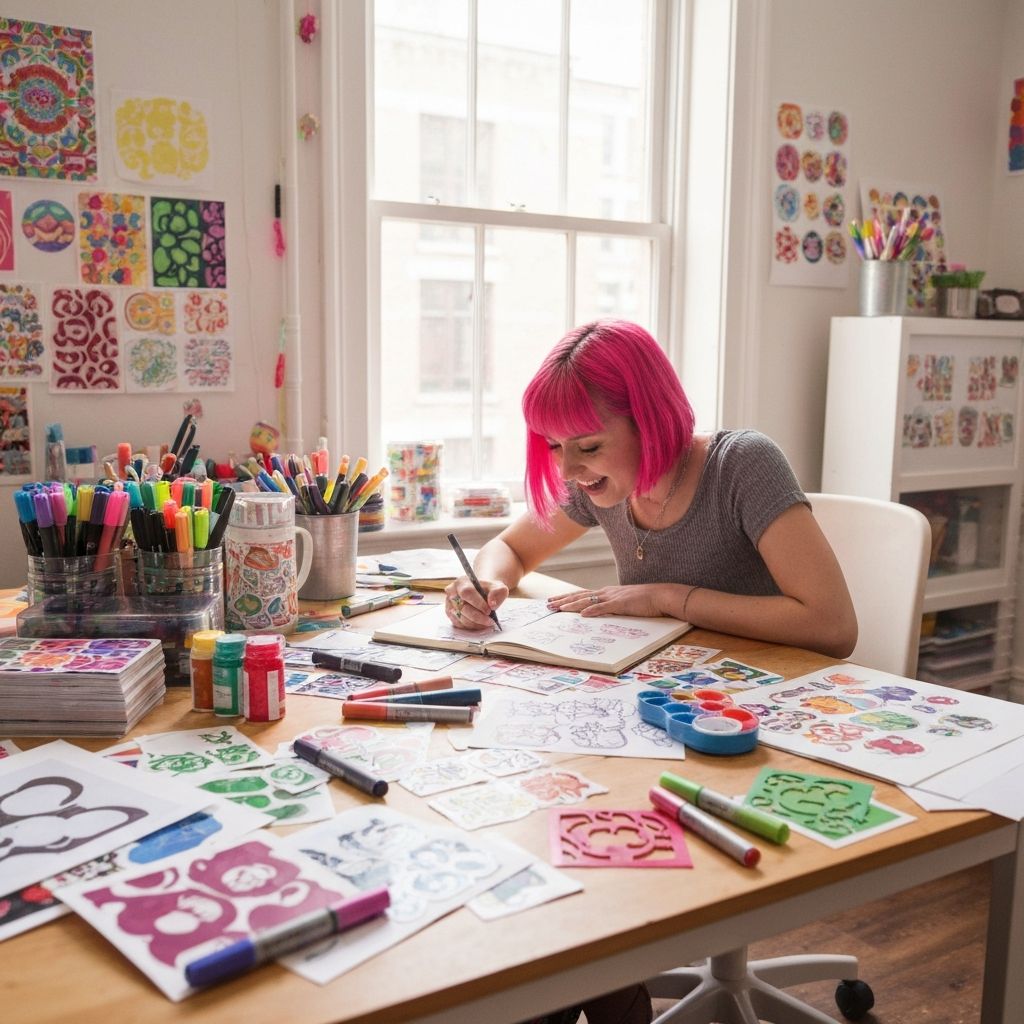
The Art of Custom Sticker Creation
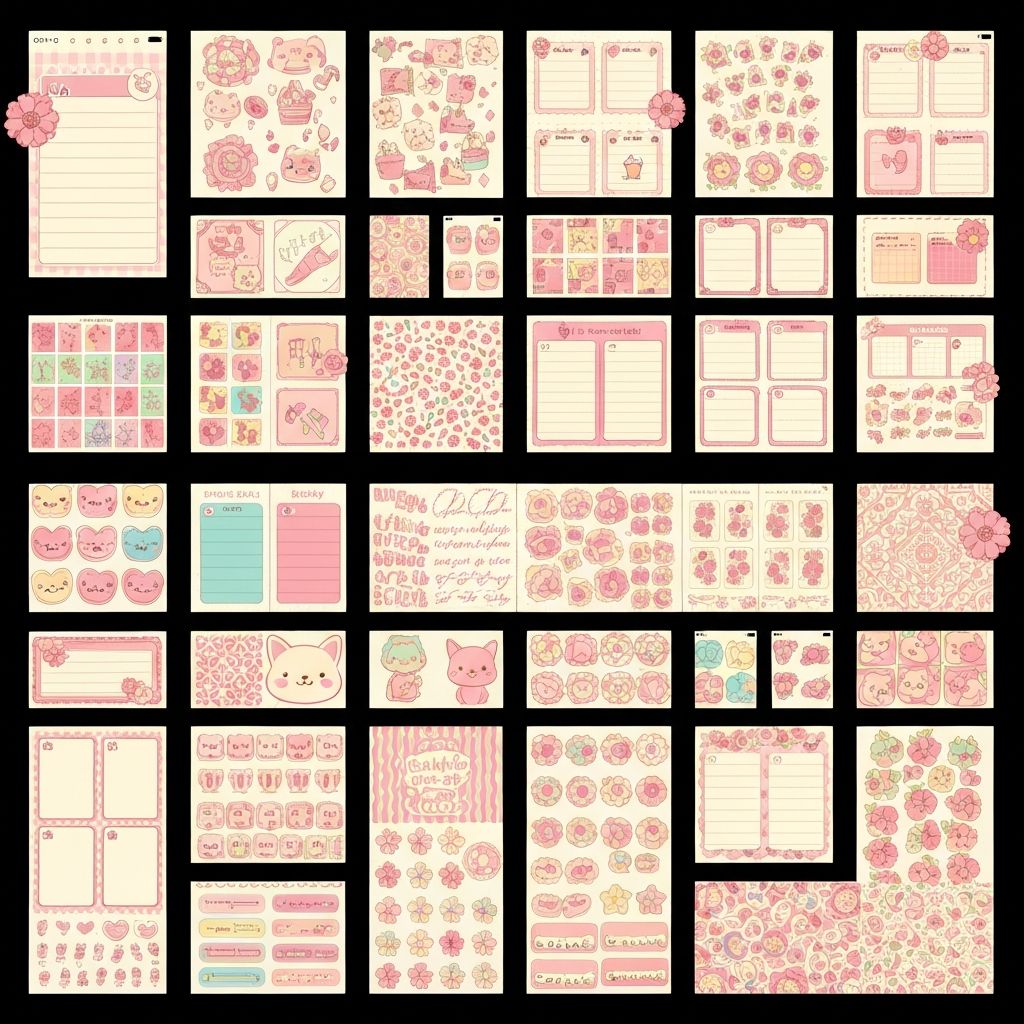
Custom stickers (or "pegatinas personalizadas" in Spanish) have become essential for digital journal enthusiasts worldwide. This guide covers everything you need to create unique, personalized stickers.
Why Custom Stickers Matter
Pre-made sticker packs are convenient, but custom stickers offer:
- Perfect color matching to your journal theme
- Unique designs nobody else has
- Exact sizes for your specific layouts
- Personal meaning with custom text and imagery
Understanding Sticker Styles
Kawaii Style
Japanese-inspired cute aesthetic with:
- Big eyes and small mouths
- Pastel color palettes
- Rounded, soft shapes
- Expressive emotions
Best for: Mood trackers, decorative elements, food stickers
Minimalist Style
Clean, simple designs featuring:
- Limited color palette (2-3 colors)
- Simple geometric shapes
- Clear iconography
- Lots of white space
Best for: Professional planners, productivity stickers, icons
Vintage/Retro Style
Nostalgic designs with:
- Muted, warm colors
- Distressed textures
- Classic typography
- Mid-century modern influence
Best for: Memory keeping, scrapbook pages, aesthetic journals
Watercolor Style
Artistic, painterly look with:
- Soft color bleeding
- Organic shapes
- Delicate details
- Natural subjects
Best for: Nature journals, creative pages, artistic spreads
Creating Your Custom Stickers
Step 1: Define Your Purpose
Ask yourself:
- What will this sticker be used for?
- What size does it need to be?
- What colors match my journal?
- What emotion or function should it convey?
Step 2: Choose Your Creation Method
Method A: AI Generation (Recommended) Using tools like StickerCraft AI:
- Write a descriptive prompt
- Select style and colors
- Generate multiple options
- Download your favorite
Method B: Traditional Design Using apps like Procreate or Canva:
- Sketch your concept
- Create clean vector lines
- Add colors and details
- Export with transparent background
Step 3: Optimize for Digital Use
Ensure your stickers:
- Have transparent backgrounds (PNG format)
- Are high resolution (minimum 300 DPI)
- Have clean edges without artifacts
- Are sized appropriately (500-2000px)
Advanced Customization Tips
Color Coordination
Create a cohesive collection by:
- Choosing a 3-5 color palette
- Using the same colors across all stickers
- Creating variations (light/dark versions)
- Testing colors against your journal background
Consistent Style
Maintain visual harmony:
- Use the same line weight throughout
- Keep proportions similar
- Match artistic style across sets
- Use consistent shadows/effects
Organization System
Build a usable library:
- Name files descriptively
- Create category folders
- Use tags in your sticker app
- Keep a visual index
Common Mistakes to Avoid
- Inconsistent sizing - Create size guidelines
- Poor contrast - Test against different backgrounds
- Over-complicated designs - Simplify for clarity
- Ignoring file format - Always use PNG with transparency
- No backup - Cloud sync your collection
Conclusion
Creating custom personalized stickers transforms your digital journal from generic to uniquely yours. Whether you use AI tools or traditional design methods, the key is consistency and intentionality.
Ready to start? Create your first custom sticker now →
StickerCraft Team
The StickerCraft team is passionate about digital journaling and helping creators bring their sticker ideas to life with AI technology.
Related Posts
Related: How to Create Custom Digital Stickers for GoodNotes in 2025 (Complete Guide) | How AI Sticker Generators Work: The Technology Behind Custom Stickers